
Outputs and files
Everything a run produces is in Files Explorer, next to the DAG tab, ready to open or download.
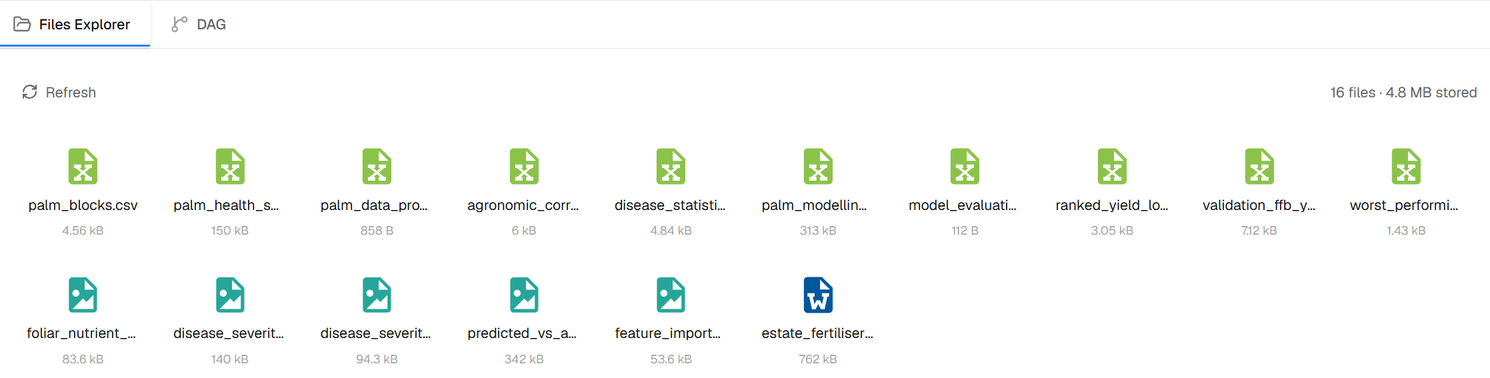
One folder per run
Each run of the workflow has its own folder, named with when it started and what started it: Chat, Scheduled, Run now or Catch-up (a start that was missed and run later). The newest run is open; select a folder to open or close it. Files keep the names the steps gave them, so the same file appears once in each run's folder.
What opens in the browser
| Kind | Opens as |
|---|---|
| Tables and spreadsheets | A table; Excel files open sheet by sheet |
| Charts, maps, diagrams, flowcharts | An interactive view |
| Word documents | A readable document |
| Images, video, audio | A viewer or player |
| JSON and text | Formatted text |
| Anything else | A file you can download |
Select Download to save any file. Its name gets the run's date and time, for example report_2026-10-10_2146.docx, so files of two runs never overwrite each other. Files of a run still in progress appear as each step finishes; Refresh loads them on demand.
Writing results to your systems
To send results to a database, sheet or storage, connect it as a destination and say so in your instruction, for example "write the ranked table to the analytics schema". See Connectors.